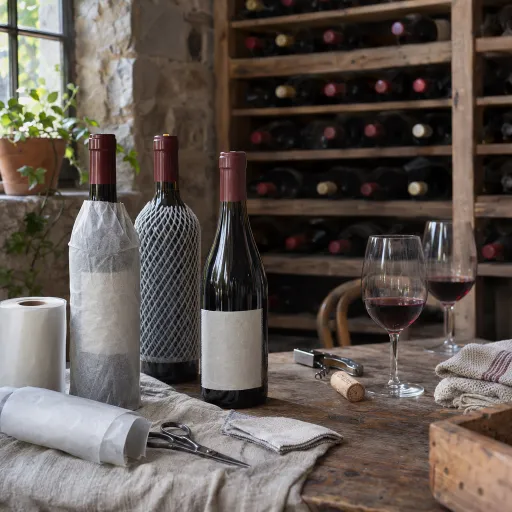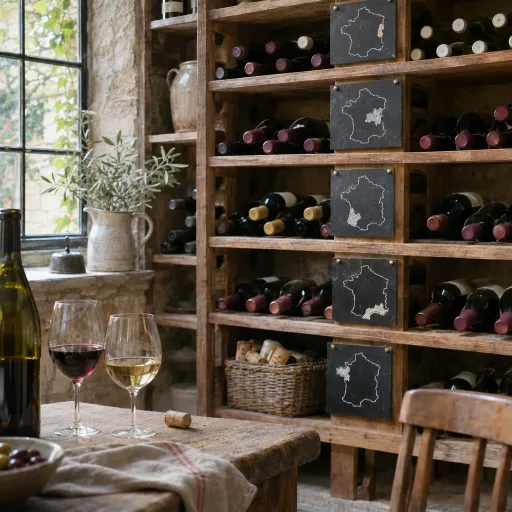

A shared cellar works when everyone knows who owns the bottles, records what they take and checks the same inventory. Without these three rules, the same problems keep cropping up: the bottle saved for a birthday is drunk on a Tuesday night, purchases are duplicated, and arguments break out over who paid for what. A simple system and a tool everyone can check on their phone are enough to avoid them.
Key points
- Decide from the outset whether bottles are shared or individually owned.
- Every bottle removed is recorded straight away by the person who opens it.
- Bottles saved for an occasion are clearly marked.
- One inventory everyone can check is better than separate lists.
Who shares a wine cellar?
It's more common than you might think: a couple combining their bottles, a family with a cellar in their holiday home, friends buying together en primeur or directly from a domaine, siblings who have inherited their parents' cellar, housemates, an association or a tasting club. The rules vary a little from one situation to another, but the problems are always the same.
Who owns the bottles?
This is the first question to settle, before it becomes an issue. Two models work well:
- The communal cellar: the bottles belong to everyone and are bought from a shared budget. Simple for a couple or family.
- The individually owned cellar: each bottle belongs to someone, even if everything is stored together. Essential among friends, for jointly owned property or within an association: record the owner and purchase price of each wine.
A mixed approach works too: a shared stock of everyday wines and a few clearly identified personal bottles.
WITH VINIOU Manage your wine cellar with Viniou Know what you have in your cellar, where your bottles are and when to drink them, on iPhone, Android and computer.Rules that prevent disputes
| Rule | Why |
|---|---|
| Every bottle removed is recorded straight away | The inventory stays accurate, and nobody looks for a bottle that has already been drunk |
| Reserved bottles are marked | The wine saved for a wedding or birthday isn't opened by mistake |
| Decide together when to open fine wines | A valuable bottle is opened with the agreement of its owner or owners |
| Discuss purchases | No duplicate purchases, and the budget stays on track |
| A storage system everyone knows | Everyone can find wines without moving everything around |
How should you organise a shared cellar?
Keep the layout simple so everyone understands it: organise by colour, then by region, with a label on each rack. In a cellar with individually owned bottles, set aside an area for each person or mark personal bottles. Keep wines to drink first within easy reach, and wines for ageing at the back or on lower shelves, where it's coolest.
What tool should you use for a shared inventory?
A notebook kept in the cellar is only useful to those on site, and it's never up to date. A shared spreadsheet can be checked remotely, but nobody fills it in while standing in front of the cellar. Ideally, use an inventory on your phone that you can update as you take out a bottle.
With Viniou, a couple or family can use the same cellar on several phones and on a computer: everyone can add and remove bottles, and everyone sees the same stock. To show the cellar to others without giving them control, cellar sharing creates a private, read-only link that updates with your stock and expires when you decide. Without a subscription, the link shows a preview of five wines; with Premium, it shows the whole cellar. Every wine has its location on the rack plan, and QR code labels let you identify a bottle by scanning it.
What if you part ways?
Whether a couple separates, friends stop buying together or a cellar forms part of an estate, an up-to-date inventory with the owner and purchase price of each bottle makes it easy to divide. For a valuable cellar, the estimate of the value of each bottle, available with Viniou Premium, provides an objective basis for dividing the wines.
By Arnaud Cariou, founder of Viniou
Article written on 24/11/2026