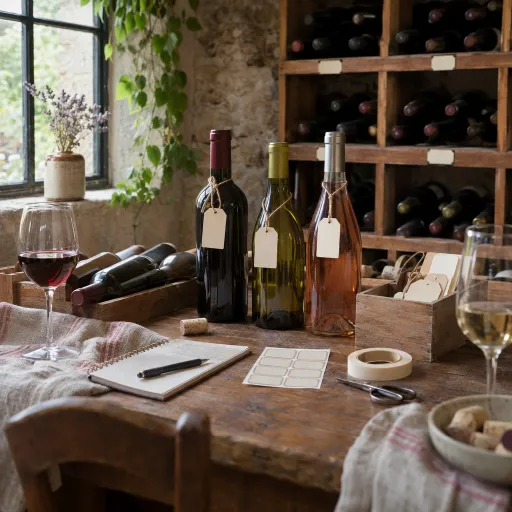
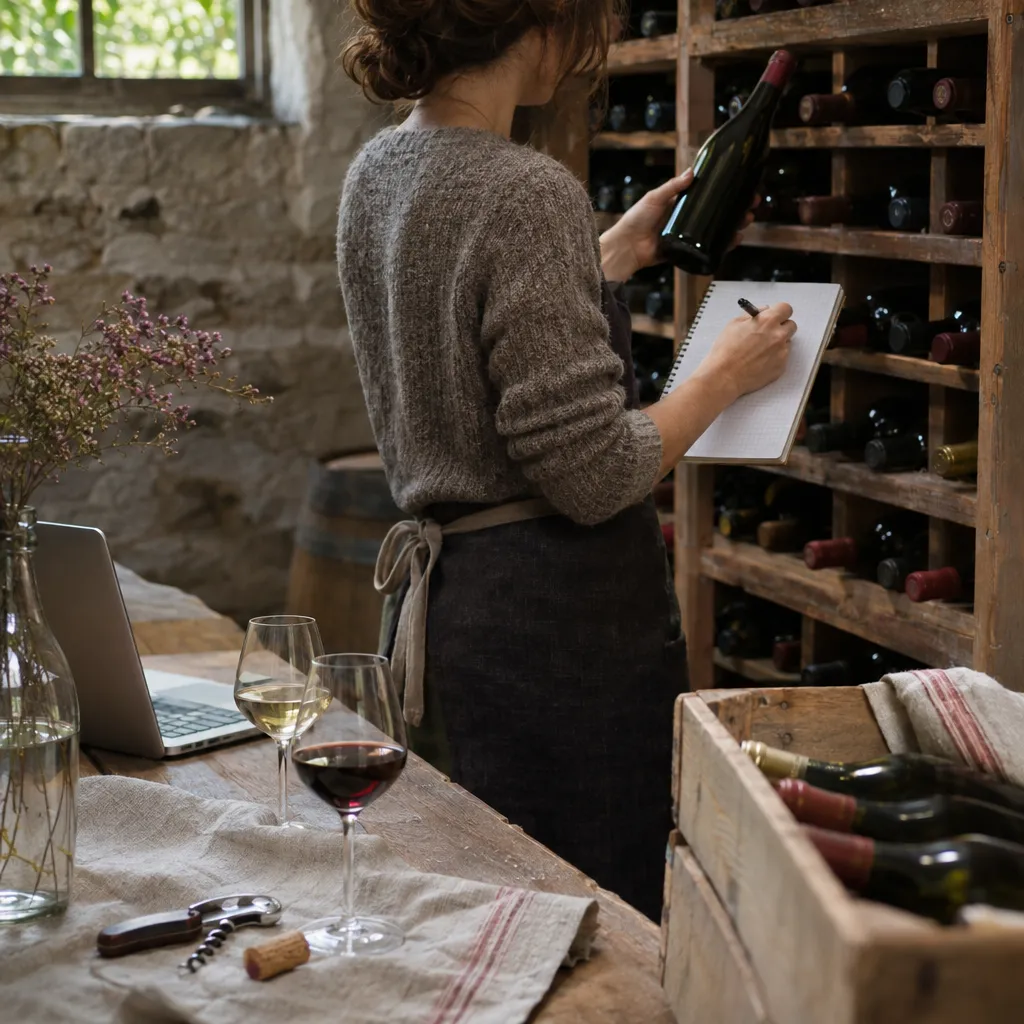
To inventory your cellar efficiently, work section by section, record a few details consistently, and log each bottle where it is stored. For each wine, note its name, appellation, vintage, quantity and location. With a method and a quick tool, you can inventory a few hundred bottles in one or two evenings. The most important part comes afterwards: recording every bottle added or removed to keep the inventory accurate.
The essentials
- Work rack by rack, without moving bottles from one section to another.
- For each wine, record its name, appellation, vintage, colour, quantity and location.
- Purchase price and drinking window are useful extras, both for insurance and to avoid missing a wine's best drinking period.
- An inventory that is not kept up to date will be inaccurate within a few weeks.
Where should you start?
Prepare your cellar. Before counting, number or name your racks and shelves: “rack A, row 3”, “top shelf”. These identifiers will help you record each bottle's location and find it again later.
Work section by section. Start with one rack, record all its bottles, then move on to the next. Don't take everything out to sort by region or colour: you'll lose track of locations and waste a whole evening. You can sort your wines afterwards using your chosen tool.
Group identical bottles. Six bottles of the same wine and vintage make one entry with a quantity of 6, not six separate entries.
WITH VINIOU Manage your wine cellar with Viniou Know what you have in your cellar, where your bottles are and when to drink them, on iPhone, Android and computer.What should you record for each bottle?
| Information | Essential? | Why |
|---|---|---|
| Wine or producer name | Yes | To identify it |
| Appellation and region | Yes | To help you choose and organise |
| Vintage | Yes | It determines when to open the wine |
| Colour | Yes | To find a white or red quickly |
| Quantity and bottle size | Yes | Bottle, magnum, half-bottle |
| Location | Yes | To find the bottle without searching |
| Purchase price and place of purchase | Useful | For insurance and repeat purchases |
| Drinking window | Useful | To avoid missing any bottle's best drinking period |
There's no need to copy the technical sheet for every wine: grape varieties, alcohol content and tasting notes are easy to find when you need them. An overly detailed inventory never gets finished.
Notebook, spreadsheet or app?
A cellar notebook appeals to those who like a hands-on approach, but you can't search or sort it, and it becomes hard to read as corrections pile up. A spreadsheet lets you sort and filter, but everything has to be entered by hand, and it stays on your computer when you're standing in front of your cellar.
An app is the quickest option because it already knows the wines. In Viniou, you can add a wine by typing a few words from its name or by photographing the label: the details fill in automatically, leaving you to enter only the quantity and location. If you already have an Excel file or another app, cellar import transfers everything in one go.
How do you keep an inventory up to date?
An inventory quickly becomes inaccurate: a bottle drunk one evening without being recorded, a case put away in a hurry, and after three months nothing matches. One rule is enough: record every bottle added or removed straight away, while you're at the cellar. This is where a phone app makes the difference compared with a notebook or spreadsheet.
For purchases, Viniou can add an entire case by photographing the invoice (Premium). And to find a bottle, QR code labels attached to the racks take you straight to their contents. Once a year, a quick recount rack by rack catches anything you've missed.
What is an inventory useful for beyond organisation?
Avoiding missed drinking windows. Knowing each wine's vintage helps you decide which to open first; Viniou Premium even shows each wine's peak drinking window.
Insuring your cellar. In the event of water damage, a wine fridge breakdown or burglary, your insurer will ask for a list of the bottles and their value. An inventory with purchase prices and the estimated value of your cellar is the best evidence.
Buying more wisely. You can see what's missing and what's sitting untouched, and avoid buying duplicates at the next wine fair.
By Arnaud Cariou, founder of Viniou
Article written on 21/04/2025
· Updated on 21/11/2026